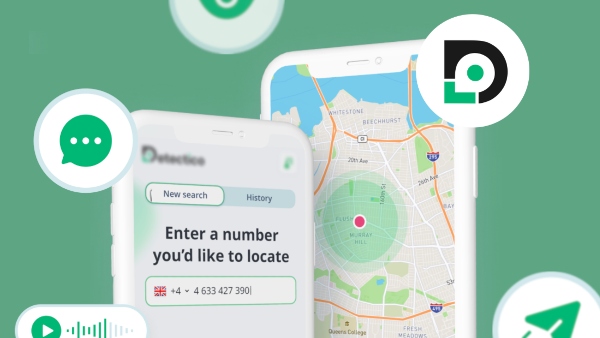
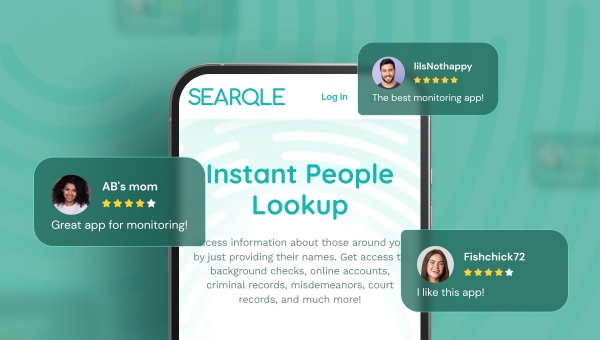
An unknown number flashes on your screen. A dating match won’t share a last name. A new tenant application lands on your desk with nothing but an email address attached. These moments all share the same problem: you have a fragment of information and need the full picture fast.
Searqle is built for exactly that gap. It’s a people search and identity verification platform that turns a phone number, email address, or photo into a structured report pulled from public and online sources. This review breaks down what it actually does, what a report contains, what it costs, and where it fits compared to other lookup tools on the market.
What Is Searqle?
Searqle lets you run a search using just one of three starting points: a phone number, an email address, or a photo. Instead of manually cross-referencing social media, public records sites, and search engines, Searqle consolidates that scattered information into a single, readable report.
The platform is aimed at a specific set of everyday situations: figuring out who’s really behind an unfamiliar contact, verifying someone before meeting them in person or doing business with them, reconnecting with people you’ve lost touch with, and getting a general sense of a person’s digital footprint before trusting them with your time or money.
How Searqle Works
The mechanics are straightforward. You enter a phone number, email address, or upload a photo, and Searqle’s system searches across public and online data sources tied to that input. Results are compiled into a report rather than a raw list of links, so you’re reading organized findings instead of piecing together ten browser tabs yourself.
That’s the core mechanism worth understanding before you dig into features: one input, multiple data sources, one consolidated output.
Searqle’s Key Features
Searqle is built around three ways to start a search: a phone number, an email address, or a photo. Each one pulls from the same underlying pool of public and online records, but the entry point changes what you’re realistically able to find.
Phone Lookup
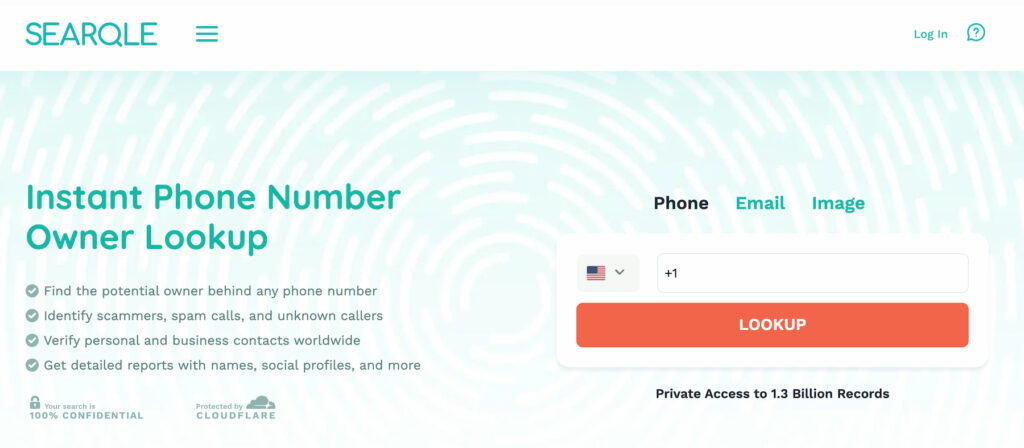
This is the feature most people reach for first — you have a number calling or texting you, and no idea who it belongs to. Enter the number and Searqle scans public and online sources tied to it, then returns a report built around identity information (name, age, known aliases), current and past addresses, and any online accounts or social profiles linked to that number.
It’s the fastest route to an answer when the “who is this?” question is time-sensitive — a call during a sensitive negotiation, a text from a number claiming to be a delivery driver or bank, or a missed call you want to return without dialing blind. Coverage depends on how much public data exists for that specific number, so newer numbers or ported numbers may return thinner results than long-established ones.
Email Lookup
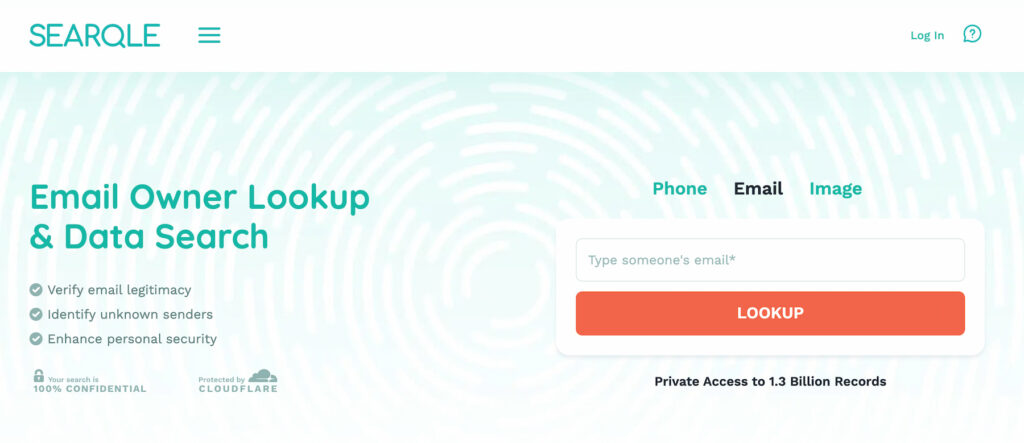
Same mechanism, different starting point. You provide an email address, and Searqle searches for identity details, associated contact records, and any public accounts or profiles tied to it. This is the more natural entry point when your only information about someone came through a messaging platform, a marketplace listing, or a dating app that shows an email but not a full name.
Because inboxes tend to be more permanent than phone numbers, email lookups often surface a broader online footprint — professional profiles, social accounts, and other digital-presence signals — alongside the standard identity and contact information.
Photo Lookup
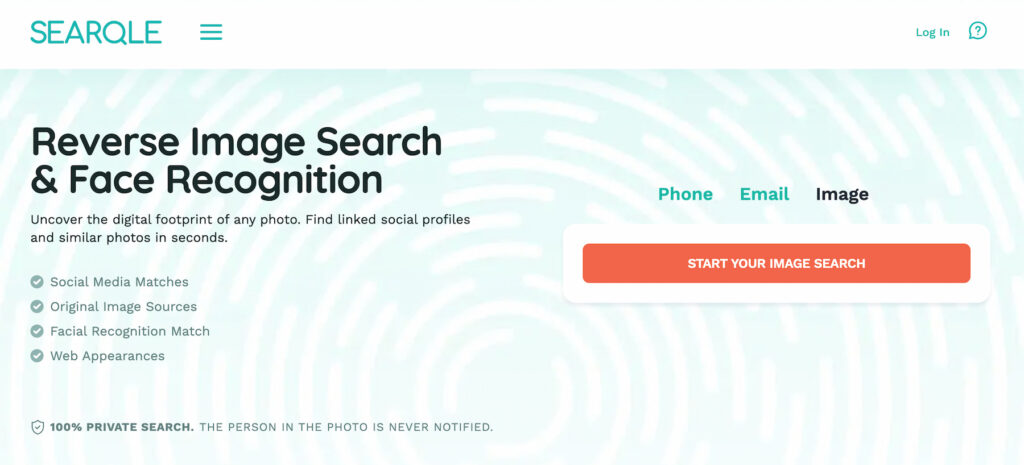
The photo option flips the process around: instead of starting from contact information, you start from an image. This matters when a phone number or email isn’t available at all — a profile picture on a dating app, a photo sent by someone claiming to be someone else, or an image used across multiple accounts you want to trace back to a real identity.
Photo-based search is inherently more variable than phone or email lookup, since results depend on whether that specific image (or a close match) already appears somewhere public online. It’s best treated as a verification tool — confirming whether a photo has shown up elsewhere, under a different name or profile — rather than a guaranteed identity match.
What a Report Can Include
Regardless of which search method you use, a completed report is organized into a consistent set of categories, so you’re reading structured findings rather than a pile of raw links:
- Identity information — full name, age or date of birth, profile photos, known aliases
- Contact details — phone numbers, email addresses, other associated communication records
- Address history — current and previous addresses, city and state information
- Family and relationships — relatives, family members, known associates
- Work and education — employers, job positions, employment history, schools attended
- Online presence — social media profiles, other public accounts, professional profiles
- Additional records — where available, vehicle-related records, contact history, location signals, and data breach exposure details
How much of this a given report actually fills in depends on how much public data exists for that person — a report is a strong starting point for verification, not a guaranteed, complete file on someone.
Getting Started: How to Run a Search
Here’s the practical flow from first visit to finished report:
- Go to Searqle and choose your search type — phone, email, or photo.
- Enter the number or address (or upload the photo) and submit the search.
- Searqle scans public and online sources tied to that input.
- Review the compiled report, organized into the categories above.
There’s no need to know anything about the person besides the one detail you already have — that’s the entire point of a reverse lookup tool. If you’re chasing down a persistent unknown caller, for instance, a phone number alone is enough to start pulling together a name, address history, and any associated online accounts, which turns a five-minute annoyance into a five-minute answer instead of an open question you carry around all day.
Searqle Pricing and Plans
Searqle’s pricing is built around search credits rather than a single flat rate, so the right plan depends on how often you expect to search.
| Plan | Price | What’s Included |
|---|---|---|
| 7-Day Trial | $1.00 | Access to core search capabilities |
| Weekly | $14.90/week | 4 search credits, full search tools |
| Monthly | $39.90/month | 20 search credits, full platform access |
The trial is a low-commitment way to test phone, email, and photo lookup before deciding whether to subscribe. The weekly plan suits someone with a single, specific situation to resolve — an unknown caller, one unfamiliar email — while the monthly plan makes more sense if you’re checking multiple people over time, such as an employer doing periodic candidate research or someone actively managing an online marketplace or dating profile.
Why Choose Searqle
The clearest advantage Searqle offers over piecing information together manually is speed: instead of running separate searches across social platforms, search engines, and public records sites, one query returns a consolidated report. That matters most when you have limited information to start from — a phone number and nothing else, for example — since Searqle’s phone, email, and photo lookup options let you start from whichever fragment you actually have.
Searqle is best suited to a few specific users: people vetting an unfamiliar contact before a first meeting or transaction, small business owners screening new clients or contractors, and anyone trying to reconnect with someone whose current contact details have changed. It’s a less natural fit for anyone who needs verified, courtroom-grade records — public-record aggregation tools like Searqle are meant for informal verification, not formal legal or employment screening in place of a certified background check provider.
Searqle vs. Other People Search Tools
Searqle sits in a category that includes established names like BeenVerified and Spokeo. Here’s how the core offering compares on the criteria that matter most for everyday lookups:
| Criteria | Searqle | BeenVerified | Spokeo |
|---|---|---|---|
| Phone, email, and photo lookup in one platform | Yes | Partial | Partial |
| Credit-based plans starting under $2 for a trial | Yes | Limited | Limited |
| Data breach exposure details in reports | Yes | Not confirmed | Not confirmed |
| Weekly subscription option | Yes | No | No |
BeenVerified has a longer track record and a broader product lineup, while Spokeo is known for social media coverage. Where Searqle stands out is flexibility: the combination of phone, email, and photo search under one login, paired with a credit system that scales from a single-week check to a full month of ongoing lookups, makes it a practical option if you don’t want to commit to a long-term contract just to answer one question about one person.
Is Searqle Accurate?
Accuracy is tied directly to the public records available for a given person — that’s true of any people search platform, not just Searqle. Reports draw on records that are refreshed on an ongoing basis, but someone who moved recently or changed jobs may still show older details until public records catch up. Treat a Searqle report as a reliable lead for verification, not a legally certified document.
What Are Customers Saying About Searqle?
Searqle holds strong ratings across the major review platforms — around 4.9 out of 5 on Sitejabber from dozens of reviewers, and a solid rating on Trustpilot from over a hundred reviews, though Trustpilot scores run a bit lower and more mixed than Sitejabber’s.
On the positive side, a recurring theme is speed and clarity in exactly the moments this review has focused on: people describe using Searqle to check out a match before meeting them from a dating app, to vet a potential business partner or new client before committing to a deal, and to research a neighborhood or a property’s history before buying. Real estate professionals in particular mention using it to verify buyers and close deals with more confidence, and a few employers note using it to sanity-check a candidate’s background alongside their own reference checks. Fast turnaround also comes up often — several users report getting a full report within minutes of starting a search.
The criticism is more predictable for this category of tool: a handful of reviewers mention billing or trial auto-renewal confusion, and a few say results were thin for the specific person they searched, since coverage always depends on how much public data exists for that individual. Neither complaint is unique to Searqle — it’s a common pattern across people search platforms — but it’s worth going in with the right expectation: a report is a strong lead, not a guaranteed complete file.
Frequently Asked Questions
Yes. Searqle supports all three as starting points, so you can run a search with whichever piece of information you actually have.
New users can try it for $1 over 7 days. After that, plans run $14.90 per week for 4 search credits or $39.90 per month for 20 search credits.
Reports are compiled from public records and online sources, so accuracy depends on how current and complete that underlying data is for a specific person. Most users get relevant, up-to-date results, though occasional gaps are possible.
Anyone verifying an unfamiliar contact, screening a new business relationship, or reconnecting with someone whose details have changed. It’s not a substitute for a certified background check in formal employment or legal contexts.
Final Verdict
Searqle covers the three lookup methods most people actually need — phone, email, and photo — in one platform, backed by a credit system flexible enough for a one-time check or ongoing use. The $1 trial makes it easy to test before committing to a plan, and the weekly option is a rare feature among competitors who typically push straight to monthly billing. For anyone who needs a fast, consolidated answer to “who is this person,” Searqle is a solid place to start.